

An AI WhatsApp chatbot that answers like your best agent
Codique’s AI agent replies to customers on WhatsApp in seconds, day or night, using only what you teach it: your FAQs, policies, price lists and website. When a question needs a person, it hands the chat to the right team with the context attached.
 Talk on WhatsApp
- Trained on your own content
- Hands over to humans
- Official WhatsApp Business API
- No coding needed
Why businesses put AI on WhatsApp
Customers expect a reply on WhatsApp within minutes, and most of their questions repeat: prices, timings, delivery status, how to book, what the return policy is. Answering them by hand ties up your team and leaves late-night messages waiting until morning.
An AI chatbot handles those questions instantly and consistently, so your team spends its time on the conversations that actually need a person: closing a sale, solving a complaint, handling an exception.
Grounded answers, not guesses
A generic chatbot can make things up. Codique’s AI agent answers from your knowledge base, shows which source each answer was based on, and sends a fallback message you write when it has no grounded answer, instead of inventing one.
Your knowledge base
Add questions and answers, paste policies, link pages on your website or upload documents. Each FAQ is indexed on its own so customers get the exact answer.
Your voice
Write system instructions in plain words, then set the tone and language. The agent follows them in every reply.
Safe fallback
When the knowledge base doesn’t cover a question, the agent sends your fallback message rather than guessing.
Human handoff
Keywords like “agent” or “human” hand the chat straight to a team, tagged, so nobody has to ask the customer to repeat themselves.
Choose where it answers
Turn the agent on for some WhatsApp numbers and off for others, for example on support but not on sales.
Pauses when your team replies
As soon as an agent replies in a conversation, automation steps back so customers never get two answers.
AI that helps your team, too
The same AI works inside the shared inbox. Agents can rewrite a draft to be clearer, shorter or friendlier, get a summary of a long conversation with its open items, or ask questions about the chat before they reply.
In workflows, AI steps can answer from the knowledge base or collect a field, such as a customer’s city or order number, in natural conversation and save it to the contact.
Go live in an afternoon
Connect WhatsApp
Link your WhatsApp Business account through Facebook in about ten minutes.
Add your knowledge
Paste FAQs, add your website pages and upload price lists or brochures.
Set the rules
Write instructions, pick the tone, choose handoff keywords, a fallback message and a handoff team.
Switch it on
Test it from your own phone, then turn it on for the numbers you choose.
What teams use it for
D2C and e-commerce
Order status, delivery times, sizes, returns and COD questions, answered instantly, with complex issues routed to support.
Education and coaching
Course details, fees, batch timings and admissions questions, with serious enquiries handed to a counsellor.
Real estate
Project details, locations, configurations and site-visit requests, qualified before a sales executive picks them up.
Clinics and services
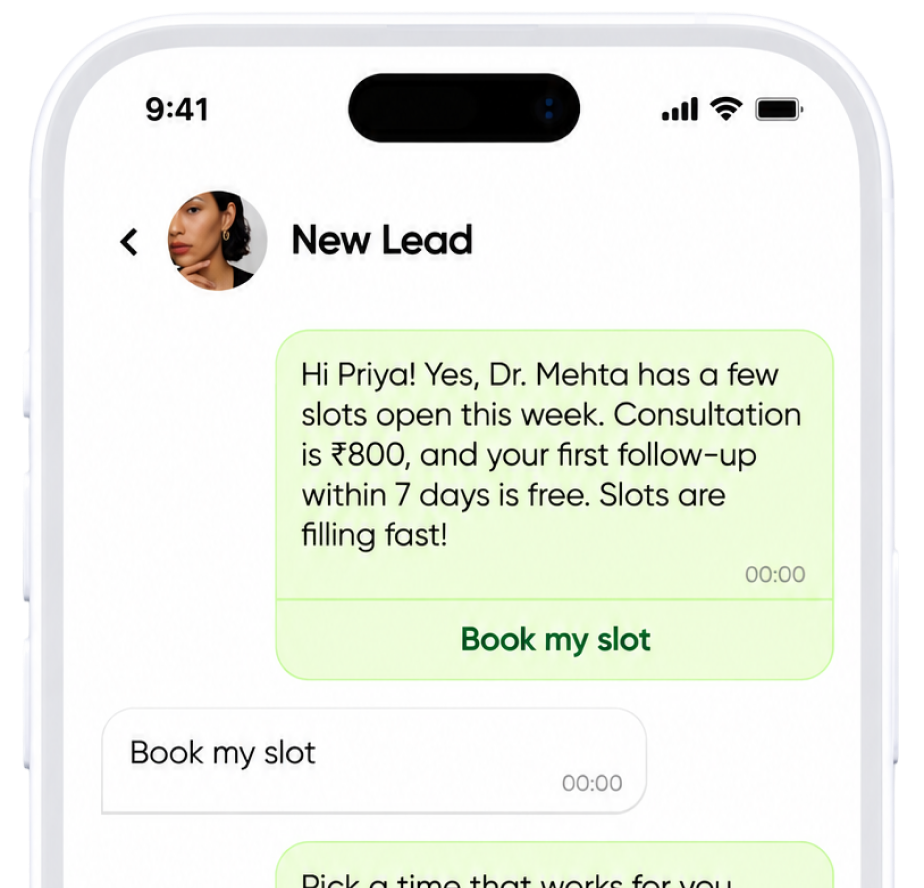
Timings, services, prices and booking questions answered around the clock, with appointments handed to the front desk.
Frequently asked questions
Will the AI chatbot make up answers?
It answers from the knowledge base you provide and shows the sources each answer is based on. When it has no grounded answer, it sends the fallback message you write instead of guessing, and can hand the conversation to your team.
Can customers talk to a human?
Yes. You choose handoff keywords such as “agent” or “human”. When a customer uses one, or the AI asks for help, the chat is assigned to the team you pick and tagged so it stands out in the inbox.
Do I need to know how to code?
No. You add content, write instructions in plain words and switch the agent on from the settings screen. Developers are only needed if you want to connect your own systems.
Which plans include the AI assistant?
The AI assistant is included in the Growth and Scale plans. Starter includes AI writer credits for drafting replies. See the pricing page for the monthly AI credits in each plan.
Can I use my own OpenAI key?
Depending on your plan, AI features use the key included with Codique, or you can add your own OpenAI API key and choose the model.
Is this the official WhatsApp API?
Yes. Codique runs on the official WhatsApp Business Platform (Cloud API) from Meta, connected to your own WhatsApp Business account.
Keep exploring

A quieter phone starts here
Let Codique Chat handle the chats so you can get back to running the business